
PRIVATE FILES. ON YOUR IPHONE.
Simple guides.
Real screens.
Short, step-by-step guides to everyday Vault tasks, shown with screens from the app.
iPhone 18 Pro · dark
 01 · 5 STEPS
Set up your first vault
Create a vault, draw your pattern and save your recovery words.
Read the guide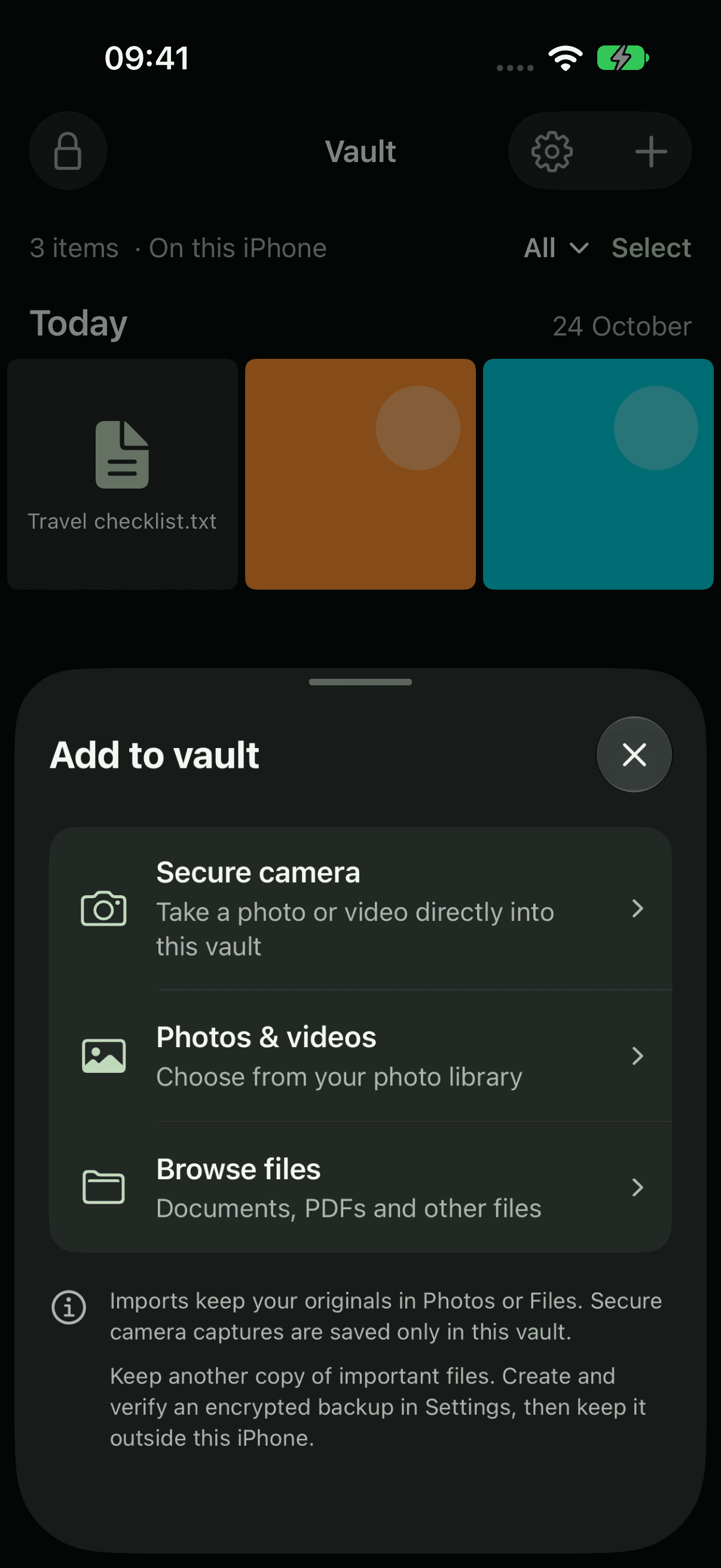 02 · 4 STEPS
Add and find your files
Bring in photos, videos and documents, then find them again.
Read the guide 03 · 2 STEPS
Preview, export and delete
Open a file, share a copy, or remove files from your vault.
Read the guide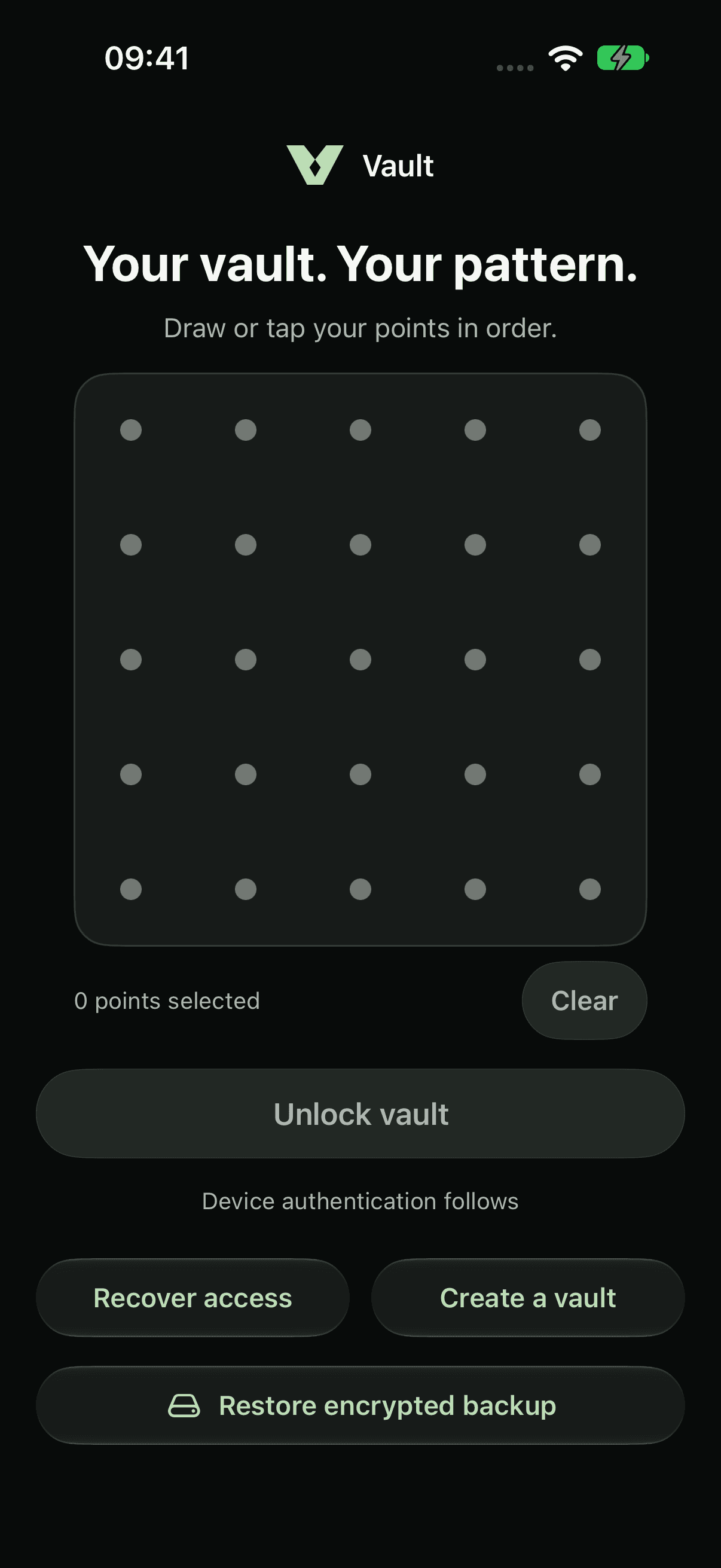 04 · 3 STEPS
Lock and open your vault
Lock your vault, open it again, and get back in if you forget your pattern.
Read the guide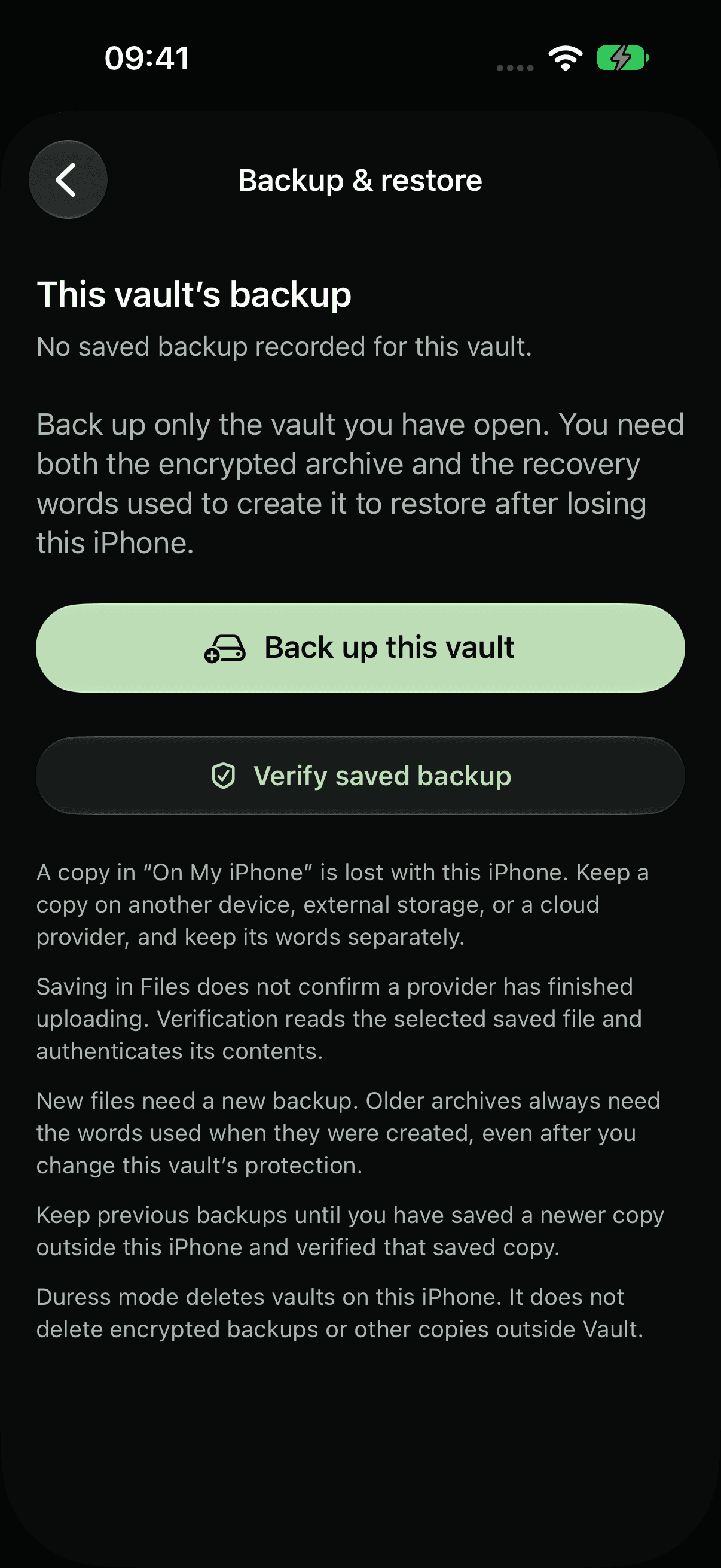 05 · 4 STEPS
Back up and restore
Save an encrypted copy of a vault and bring it back on any iPhone.
Read the guide 06 · 5 STEPS
Use duress mode
Arm a vault you’re willing to show, so opening it removes your other vaults.
Read the guide 07 · 4 STEPS
Change the app icon
Pick a different Home Screen icon, or add a tile with a name you choose.
Read the guide
LESS PUBLIC. MORE PERSONAL.
Yours.
And yours alone.

A private home for your photos,
videos and files. On your iPhone.